
How can I find my Paystack Merchant or Business ID?
Your Paystack Business ID (sometimes referred to as your Merchant ID or Integration ID) is a unique number assigned to your business upon signing up. You may need this ID when communicating with our support team, setting up specific integrations, or verifying your business details.
Finding your Business ID is quick and can be done straight from your Paystack Dashboard.
Where to look
Log in to your Paystack Dashboard.
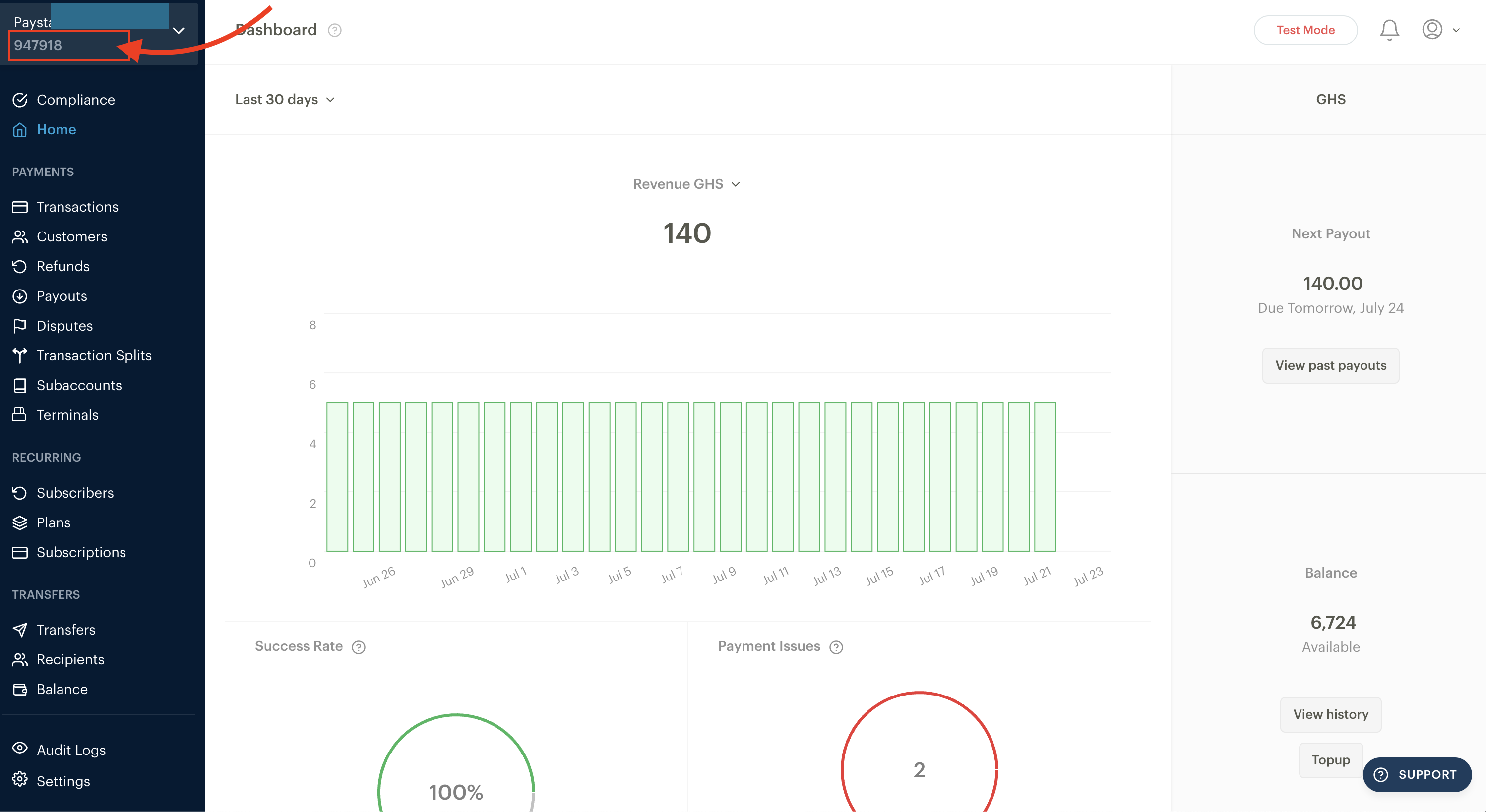
Look at the left-hand navigation menu.
Right below your business name, you will see a unique identification number. This is your Business ID.
Pro Tip
If you manage multiple Paystack businesses under a single login, switching between them in the top-left corner will instantly update the menu to show the specific Business ID for whichever business you currently have open.
If you have any trouble locating it or need help with your account details, feel free to reach out to us at support@paystack.com.