
Understanding your Business Activation Status
Once you submit your business activation request, our Compliance Reviews team reviews your information to ensure your business is ready to process payments securely. You can track the progress of your activation directly from your dashboard through your Activation Status.
Below is a breakdown of the different statuses you might see and what they mean for your business.
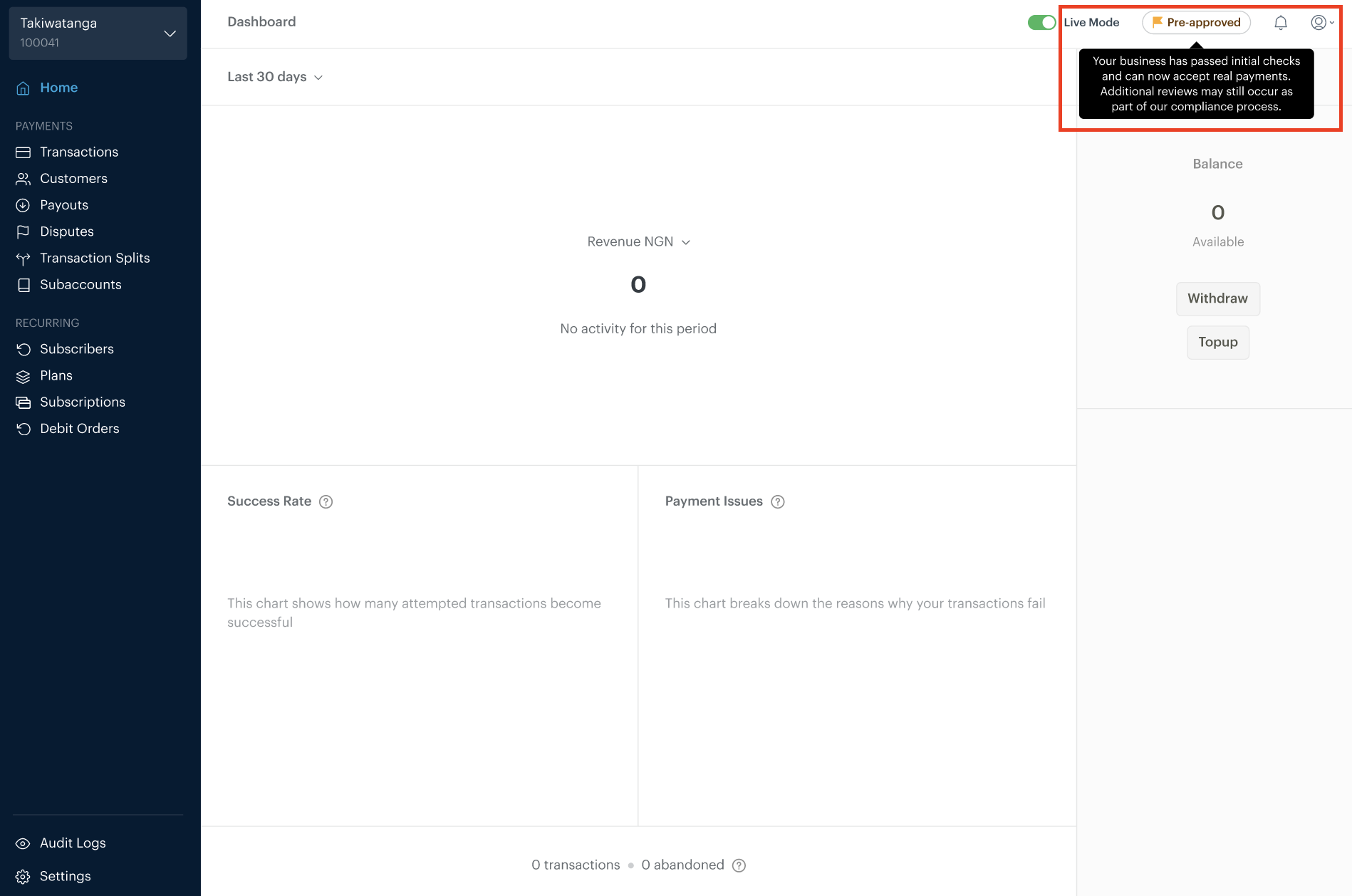
1. Pre-approved
This status means your business has passed our initial compliance checks and you can start accepting real payments from your customers immediately.
While you are in the Pre-approved state, additional reviews may still take place in the background to confirm your business details. In some cases, we may reach out for more information or temporarily pause payouts while these checks are completed.
Once the review is complete, your status will update to Approved.
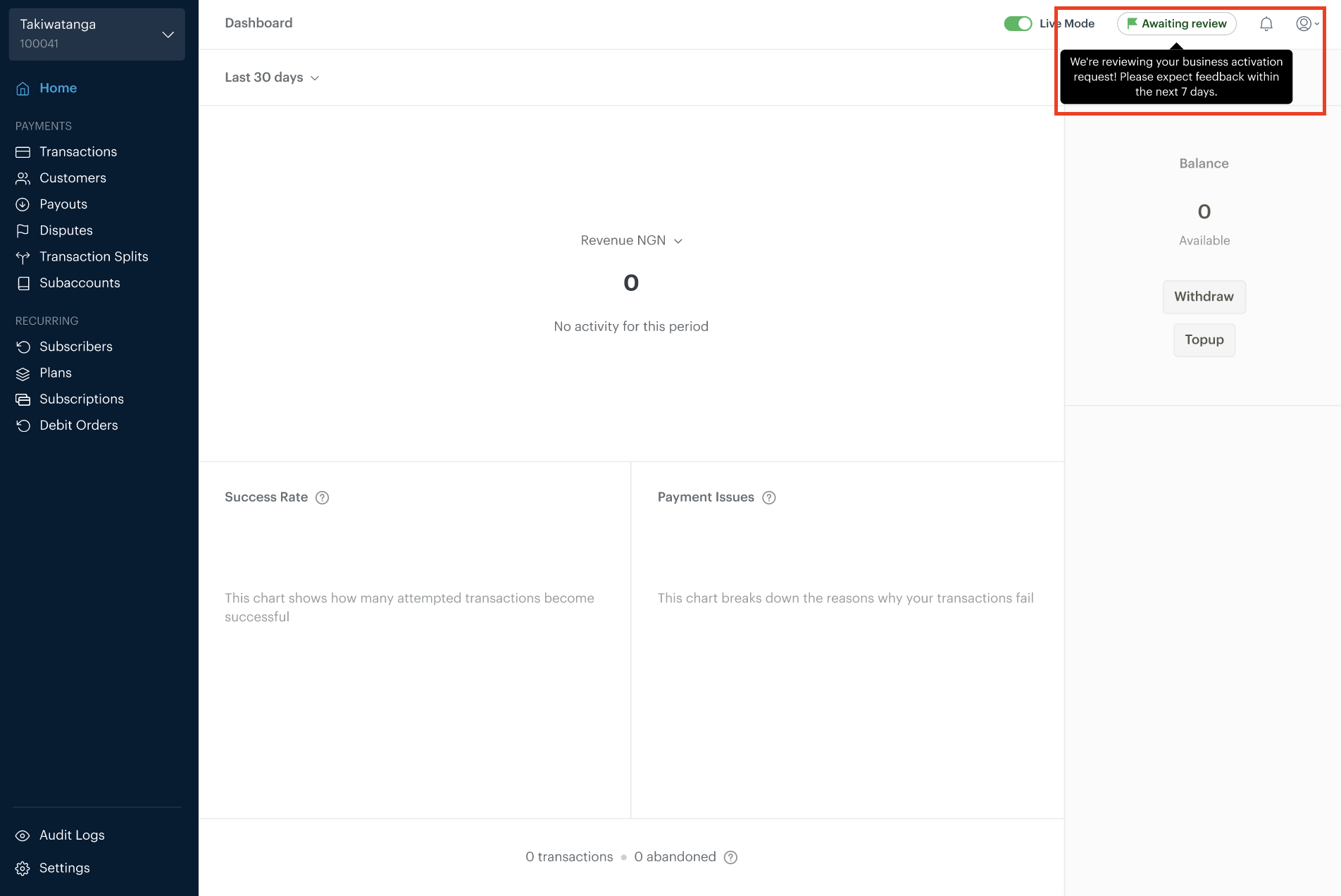
2. Awaiting Review
This means we have received your business information or documents and our team is currently reviewing them.
You may see this status if:
You have just submitted your activation request for the first time.
You are an existing merchant who has updated a document (such as an expired ID or business license) and we are reviewing the new submission.
During this time, we may contact you if we need clarification or additional details.
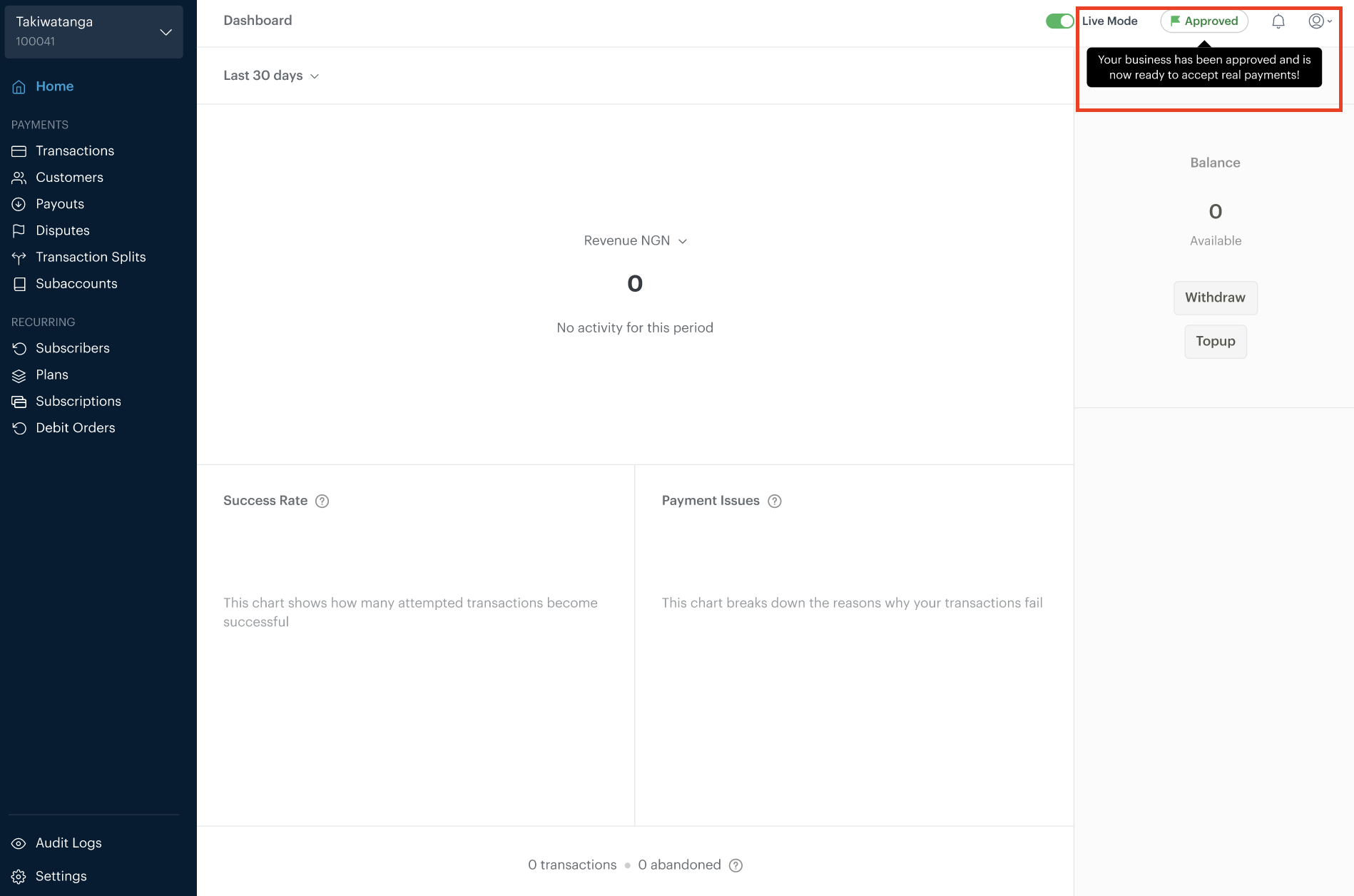
3. Approved
Congratulations! Your business has been reviewed and approved.
This status means your business details have been verified and your account is in good standing. You can continue to accept payments and receive payouts according to your country’s settlement schedule.
If your business information remains accurate and up to date, you’re unlikely to see changes to this status.
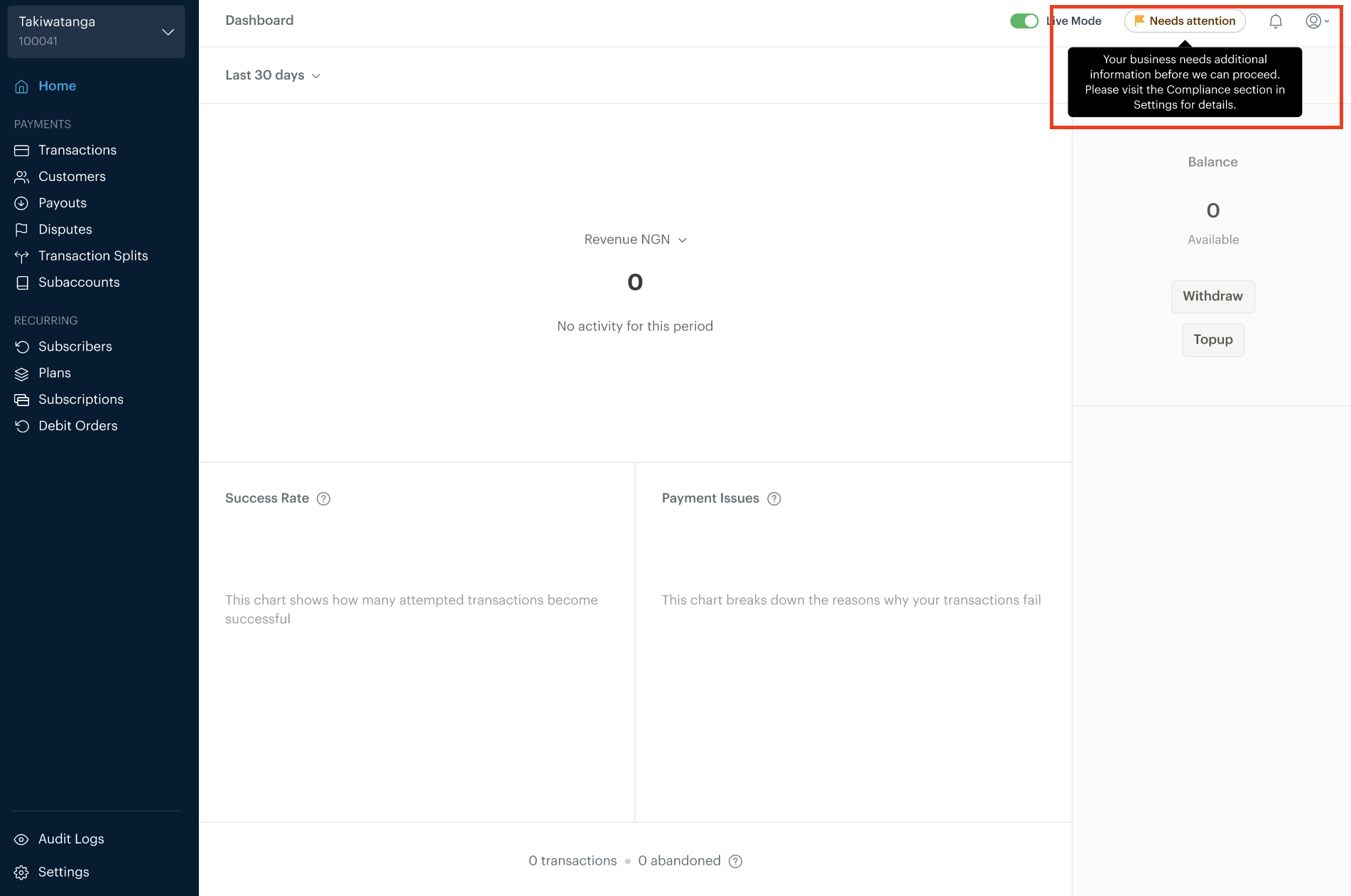
4. Needs Attention
If your status changes to Needs Attention, it means we’ve reviewed your submission and need you to update or correct some information before we can proceed.
This could be due to:
An expired document (for example, an ID or business license)
Information that doesn’t match official records
Unclear or unreadable document uploads
When this happens, you’ll see feedback in your dashboard explaining what needs to be updated. For live businesses, some account actions (such as payouts) may be temporarily unavailable until the issue is resolved.
Once you update the required information and resubmit, your status will move back to Awaiting Review.
Need more help?
If you have questions about a request shown on your dashboard or need help updating your information, please reach out to our Compliance Reviews team at reviews@paystack.com.